

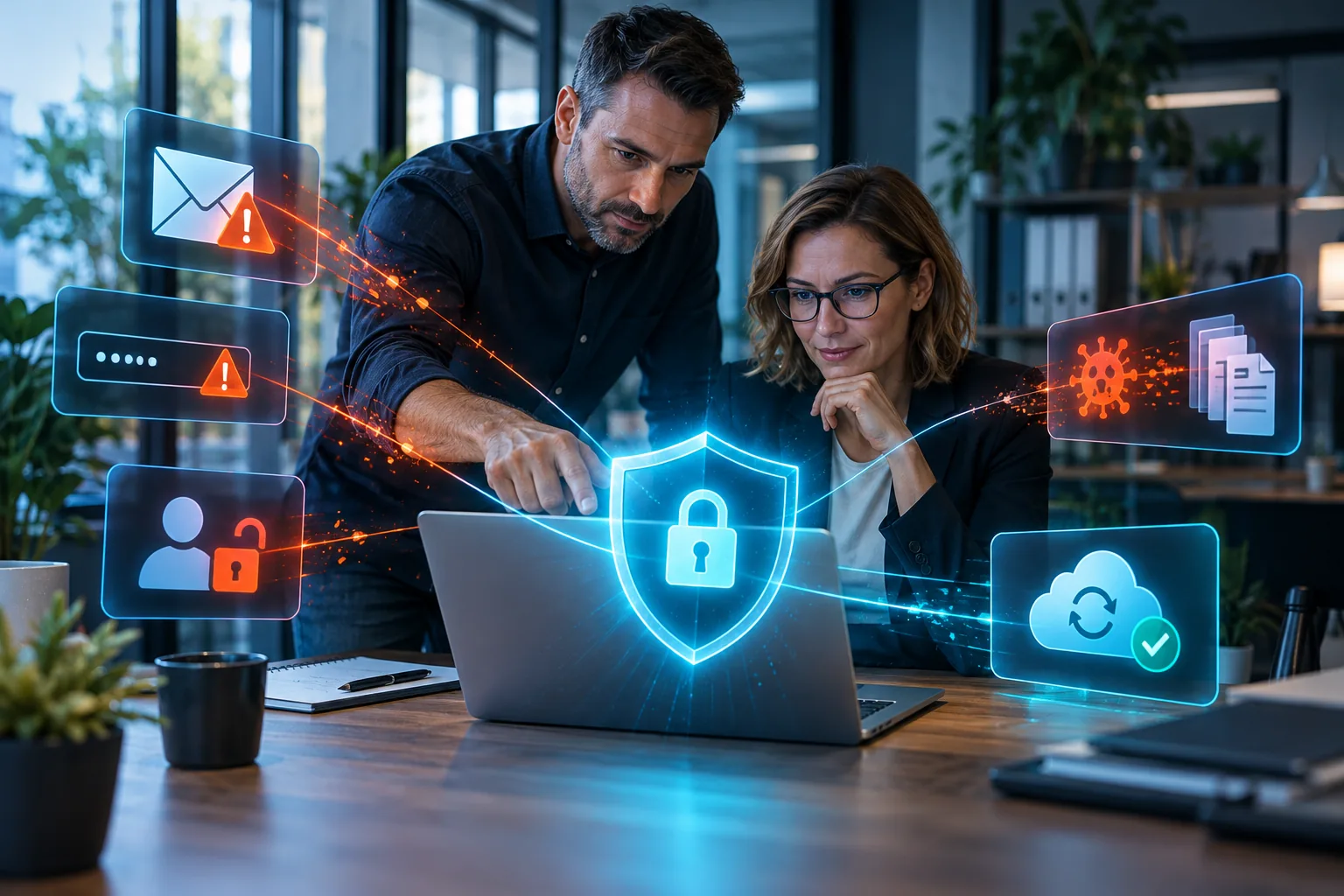
7 Cybersecurity Mistakes That Put Small Businesses at Risk
Many small business owners believe that cyberattacks mainly target banks, international companies, and large organizations. The usual assumption is: “We are too small. Why would anyone target us?”
In reality, many attacks do not select a specific company in advance. Automated systems search for vulnerable websites, weak passwords, unprotected email accounts, and devices running outdated software. Small businesses often become easy targets precisely because they do not have a dedicated cybersecurity team.
A single compromised email account, lost laptop, or malicious file can interrupt operations, expose customer data, and cause serious financial and reputational damage.
Here are seven common mistakes that expose businesses to unnecessary risk.
1. The Same Password Is Used Everywhere
An employee uses the same password for their business email, CRM system, cloud storage, and other online services. If their credentials are exposed through one platform, an attacker can try the same combination everywhere else.
A breach involving one relatively unimportant account can therefore provide access to the company’s entire communication history and sensitive business information.
Every important account should use a different and sufficiently strong password. A password manager allows passwords to be stored securely without requiring employees to memorize them or write them on notes next to their computers.
Multi-factor authentication should also be enabled wherever possible. This means that a stolen password alone will not be enough to access the account.
2. Every Employee Has Access to Everything
In some companies, everyone uses shared accounts or has administrator privileges, regardless of their responsibilities.
This may appear convenient until someone deletes important information, changes a setting, or opens an infected file. If a single account with full access is compromised, the attacker may gain access to a significant part of the company’s systems.
Each employee should have access only to the information and tools required for their work. An accountant, salesperson, and external partner should not automatically be able to view and manage the same information.
Limiting permissions reduces the potential damage caused by both human error and a real attack.
3. Former Employees Still Have Active Access
An employee leaves the company, but their email, VPN access, cloud account, or profile in a business system remains active for months.
Sometimes nobody even knows which services the person could access because there is no central record of company accounts.
When an employee leaves, there should be a clear process for disabling access, changing shared passwords, transferring important files, and preserving necessary communication.
The company should not rely entirely on maintaining a good relationship with a former employee. An active account that is no longer required remains a risk, regardless of who owns it.
4. Updates Are Constantly Postponed
A notification about a new update appears, but it is dismissed because the timing is inconvenient. The same thing happens repeatedly for weeks or months.
Updates do not only introduce new features. Many of them fix known vulnerabilities in operating systems, applications, websites, plugins, and network devices.
The longer a known vulnerability remains unpatched, the more time someone has to exploit it.
Updates should be planned, reviewed, and installed regularly. For critical systems, this should be done in a controlled manner, with a working backup and a recovery option available if something goes wrong.
5. Employees Cannot Recognize Fraudulent Messages
One email appears to come from the manager and requests an urgent payment. Another contains an invoice from a familiar supplier. A third warns that the employee’s password is about to expire and must be changed immediately through the provided link.
The message may look convincing, contain real names, and create a sense of urgency. It only takes one employee entering their password on a fake page or opening a malicious attachment.
Technical protection is important, but employees must also know how to check the sender’s address, links, attachments, and unusual requests.
When a message involves a payment, a change of bank account, or the disclosure of sensitive information, it should be confirmed through a second communication channel, such as a telephone call.
6. The Backup Is Stored in the Same Place as the Original Data
The company keeps a backup on a second drive inside the same computer or on a device that is permanently connected to the network.
In the event of hardware failure, theft, fire, or ransomware, both the original data and its backup may be affected at the same time.
A reliable backup strategy should include a separate copy that is not permanently accessible from the main system. Backups should be created automatically, monitored, and tested periodically.
A message stating “Backup completed” does not guarantee that the data can actually be restored.
7. Nobody Knows What to Do During an Incident
The computers suddenly become locked. Files can no longer be opened. Unknown messages are sent from the company email account. The website stops working.
This is when the questions begin: Who should be notified? Which system should be disconnected? Which passwords must be changed? Do we have a working backup? Should customers or partners be informed?
If these decisions are being made for the first time during the incident itself, valuable time will be lost, and incorrect actions may increase the damage.
Even a small company should have a short and understandable response plan: who is responsible, who should be contacted, which systems are most important, and how operations will be restored.
Cybersecurity Is Not a One-Time Purchase
Installing antivirus software does not mean that the business is fully protected.
Security is a combination of technology, correct configuration, updates, access control, reliable backups, and prepared employees. A weakness in just one of these areas can undermine all the other protective measures.
Not every company needs the most expensive tools. It needs protection that matches its actual risks, the type of information it stores, and the way it operates.
The Right Protection Begins With a Risk Assessment
Before investing in cybersecurity solutions, a business should determine:
- Which data and systems are critical
- Who has access to them
- How user accounts are managed
- Where backups are stored
- How business devices are protected
- What will happen if operations are interrupted
- Who will respond to an incident
At ItPilot, every recommendation begins with understanding the organization’s actual activities and risks. Tsvetozar Denchev helps businesses identify weak points, compare suitable solutions, and build a practical protection plan.
The goal is not to create fear of every possible threat. The goal is to prevent one avoidable mistake from becoming a problem that stops the entire business.
Author: Tsvetozar Denchev, founder of ItPilot and IT consultant.